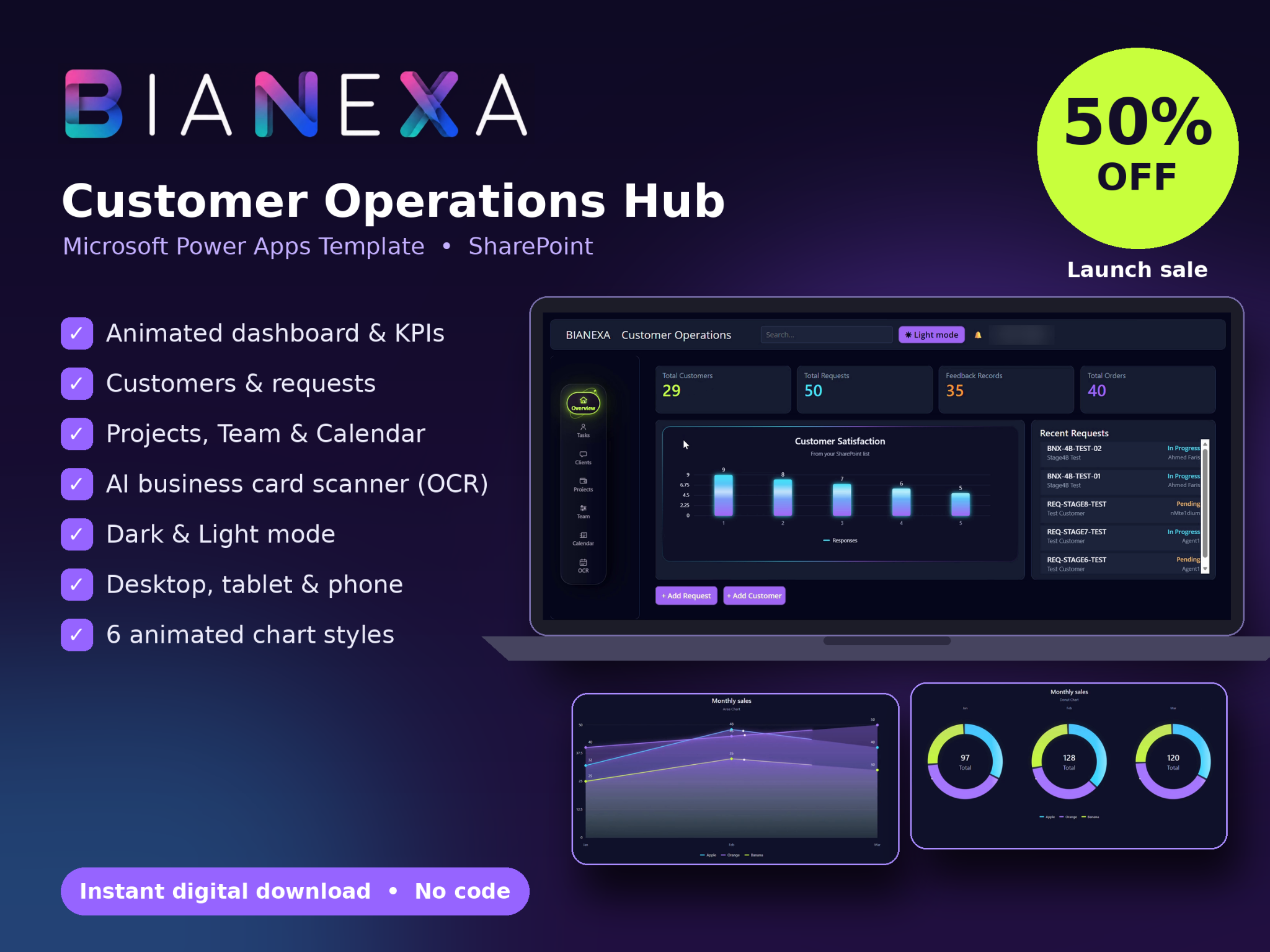
1 complete app
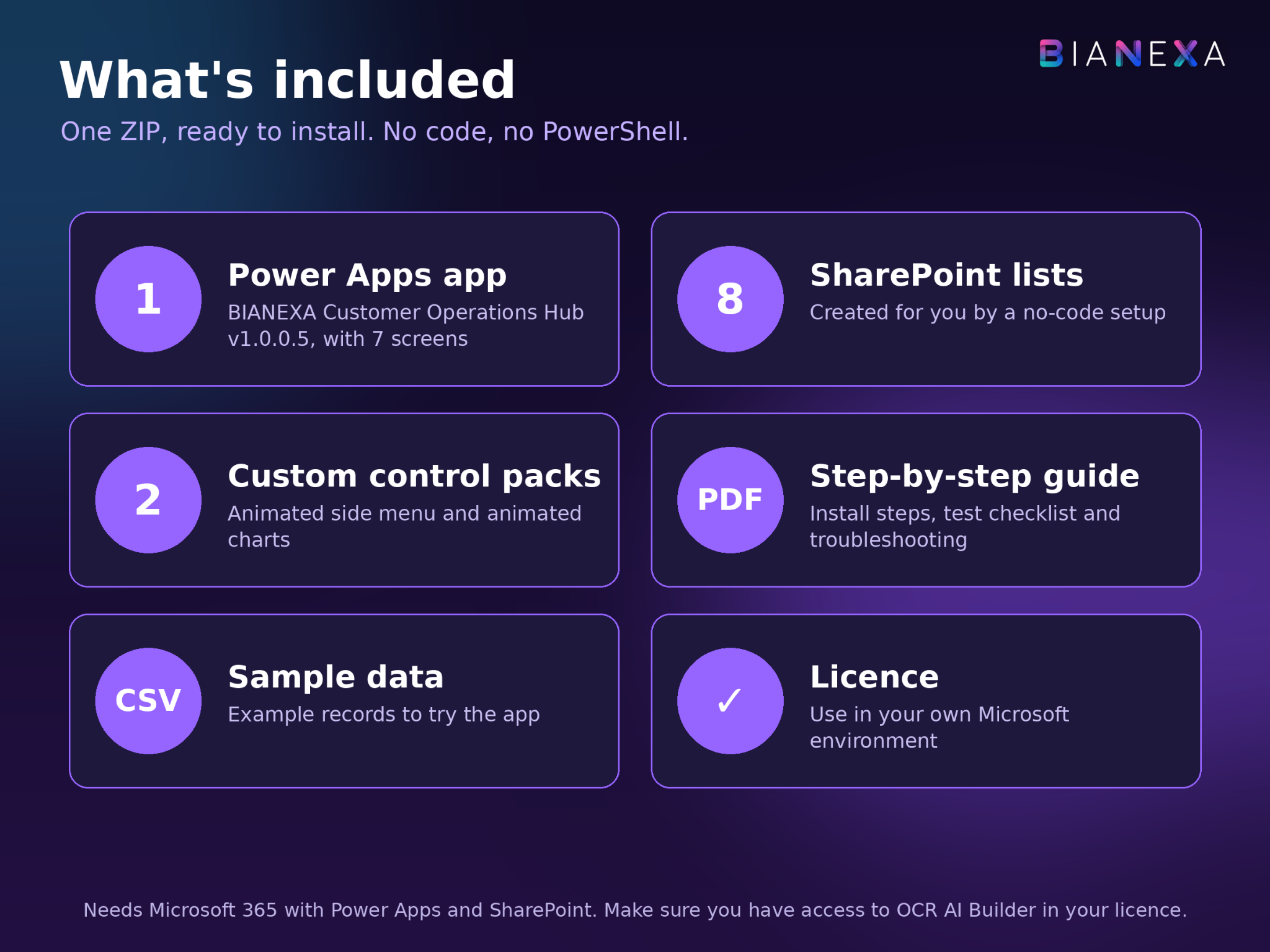
Power Apps canvas app v1.0.0.5 with seven connected screens
MICROSOFT POWER APPS TEMPLATE · VERSION 1.0.0.5
50% LAUNCH SALE · READY NOWA complete Power Apps and SharePoint workspace for managing customers, requests, tasks, projects, teams and daily operations across desktop, tablet and phone.
EVERYTHING INCLUDED
The download combines the app, SharePoint structure, custom controls and guidance needed to set up the solution in your own Microsoft environment.
Power Apps canvas app v1.0.0.5 with seven connected screens
A ready-to-configure data structure for customer operations
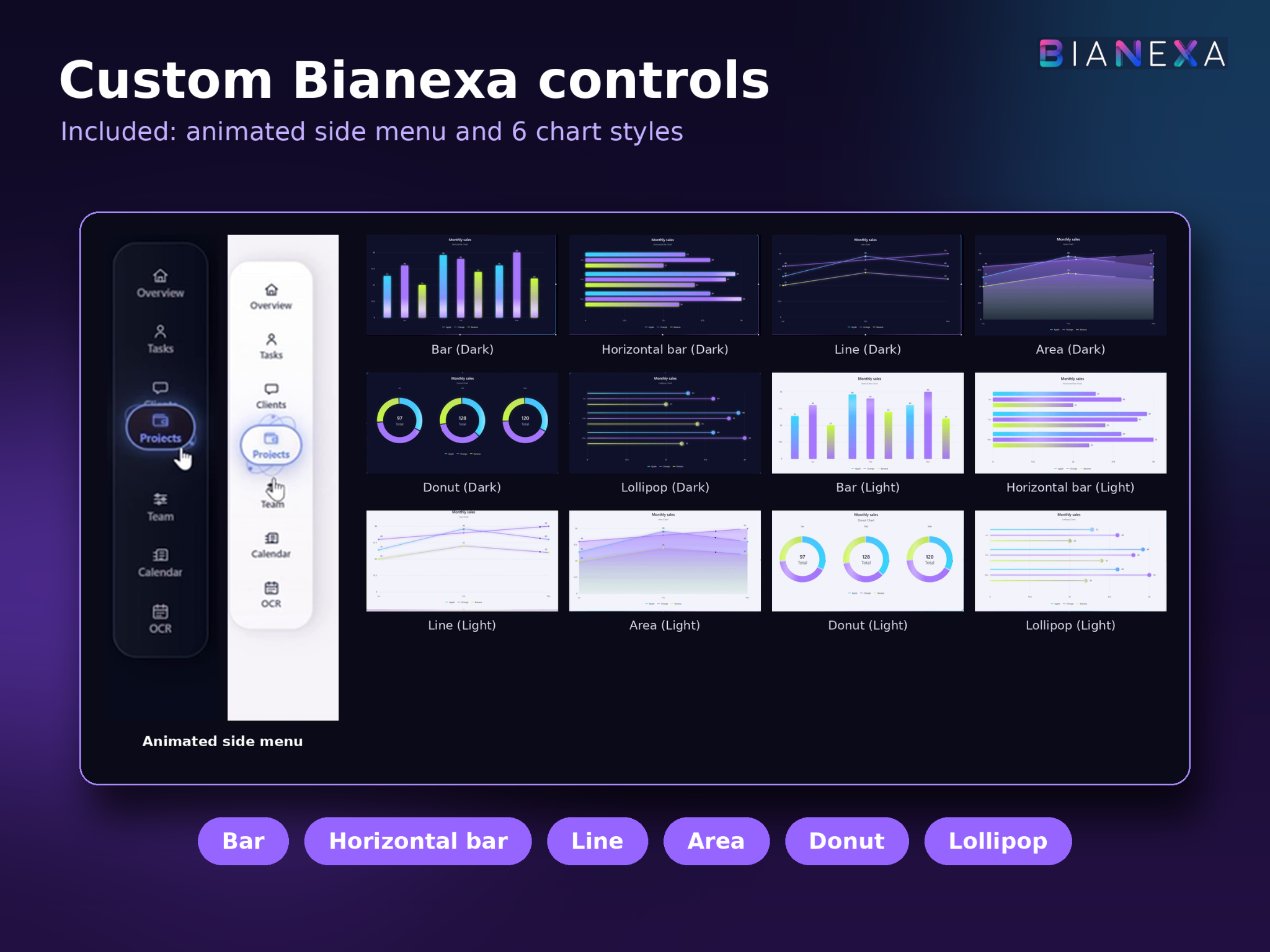
Animated side menu plus six animated chart styles
PDF user guide, setup files, sample data and installation guidance
EXPLORE THE APP
Browse the real product screens in display order—from the custom controls and live dashboard through daily work, responsive modes and the complete download package.
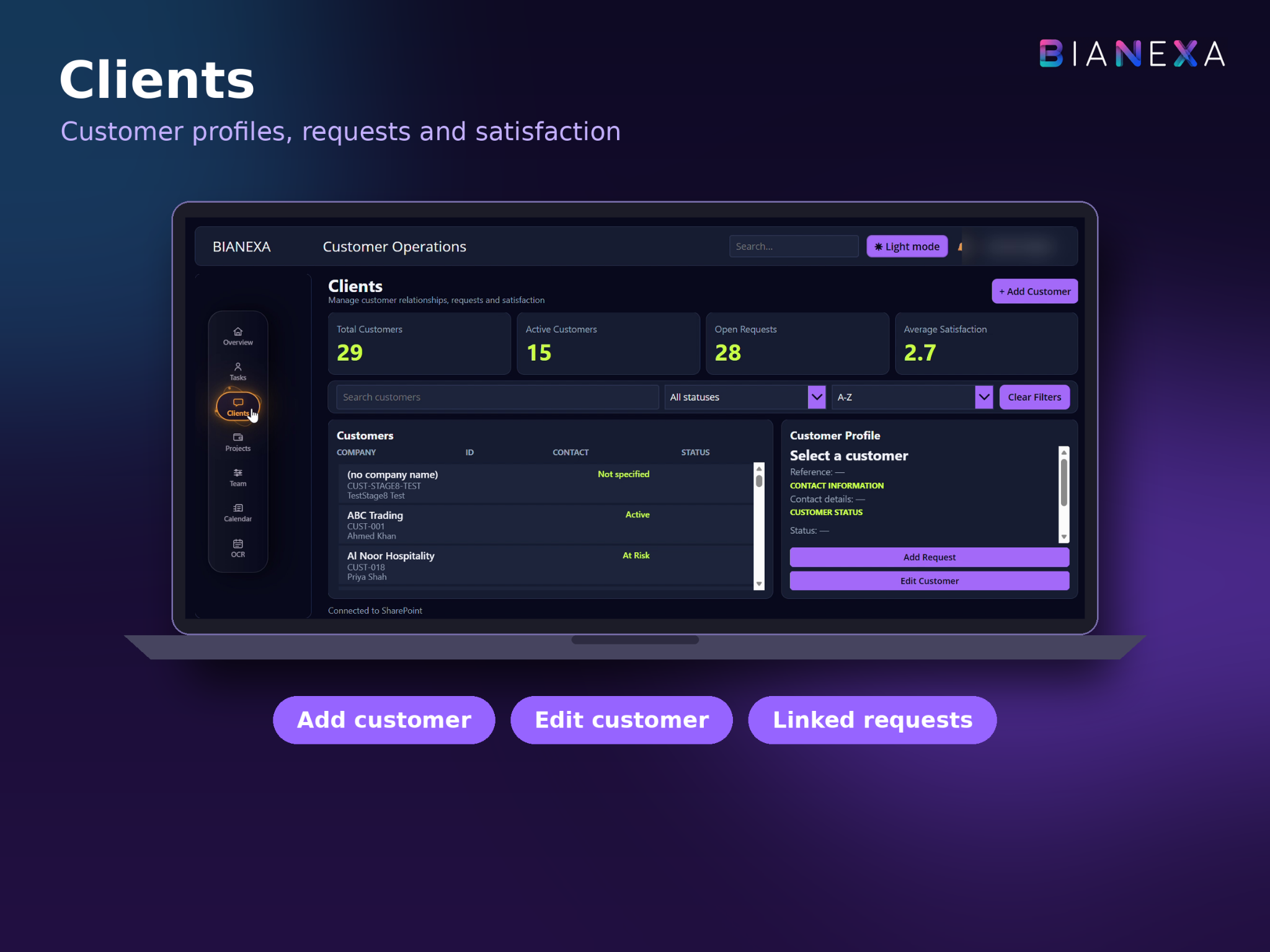
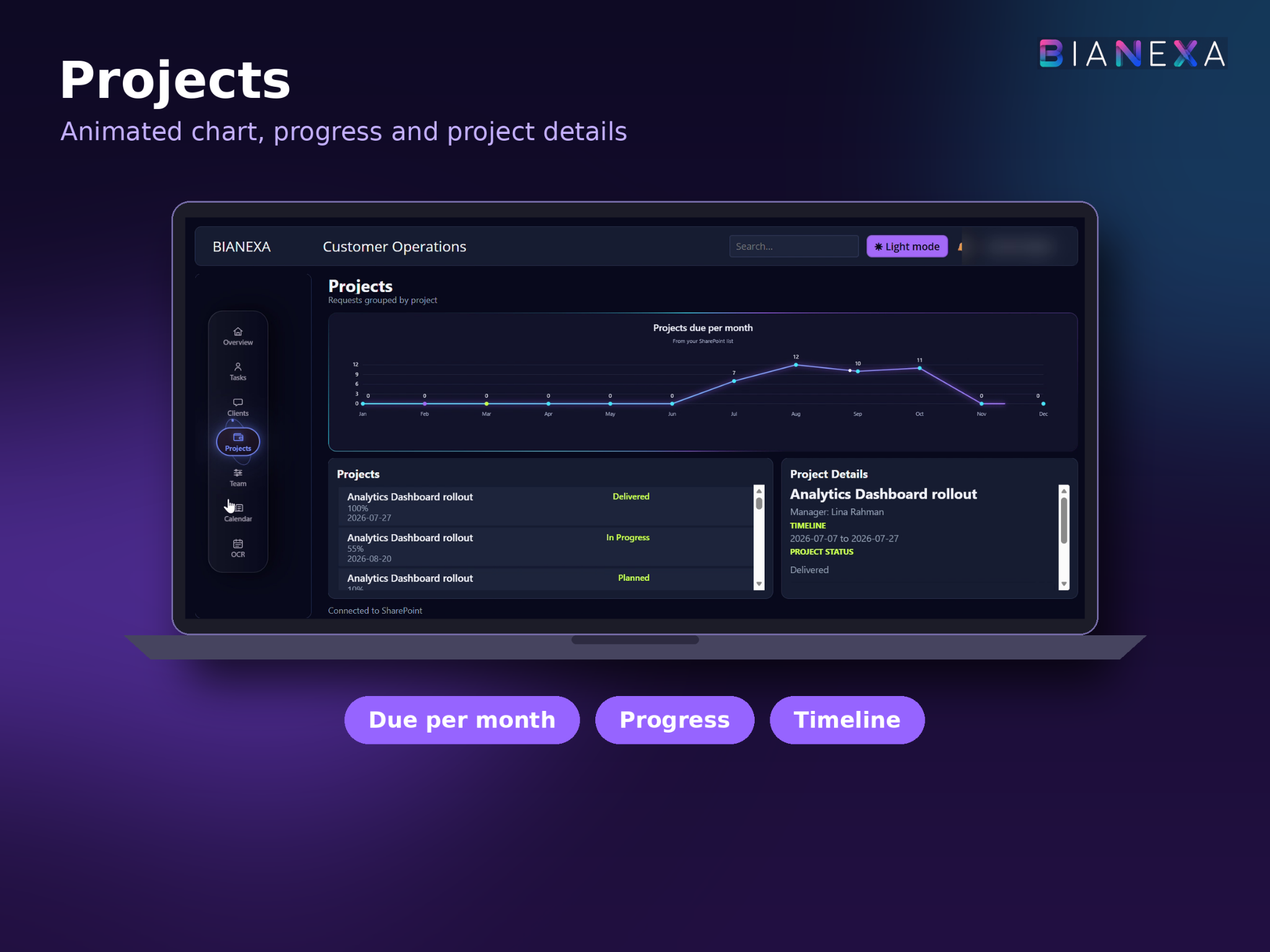
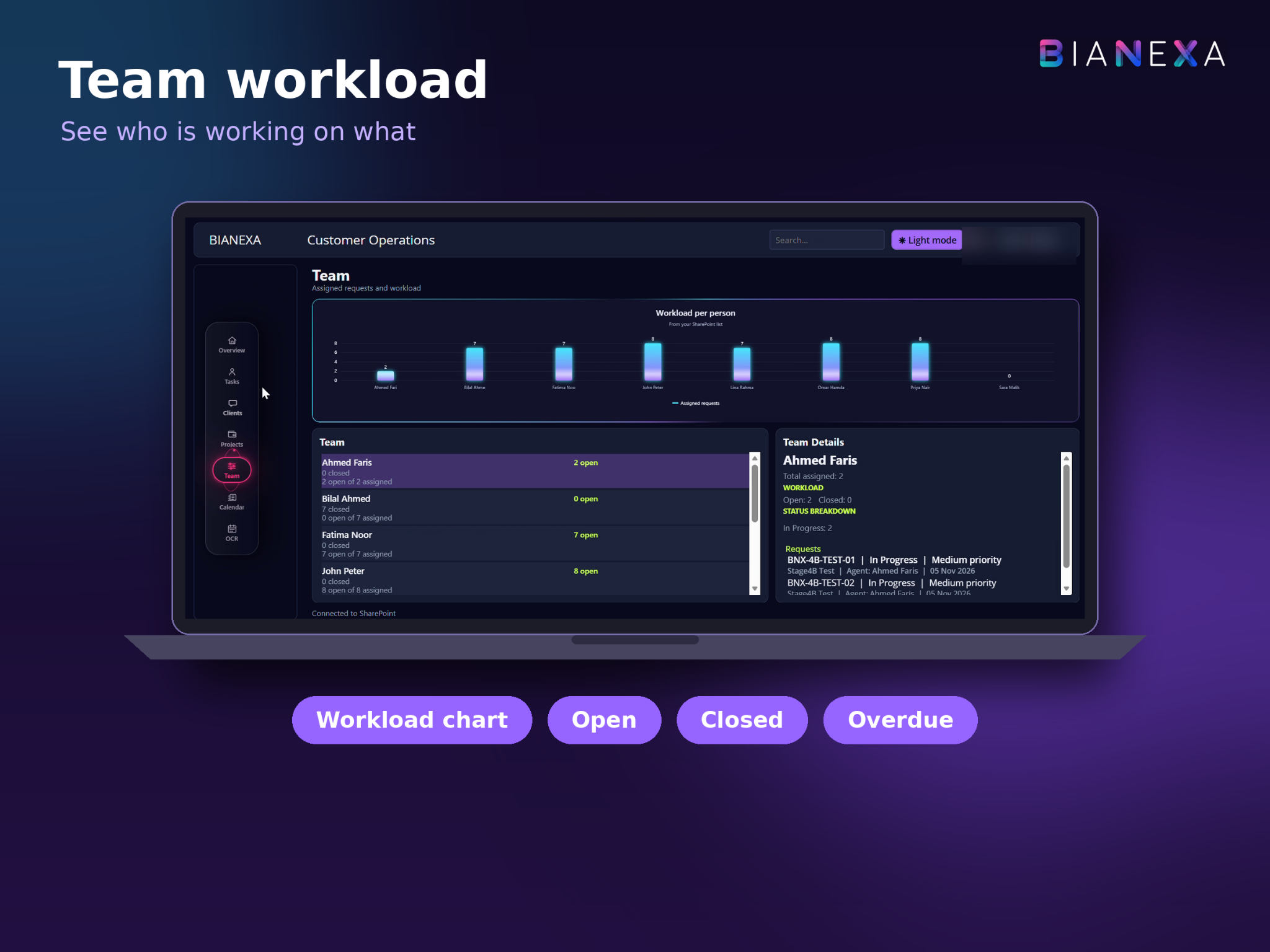
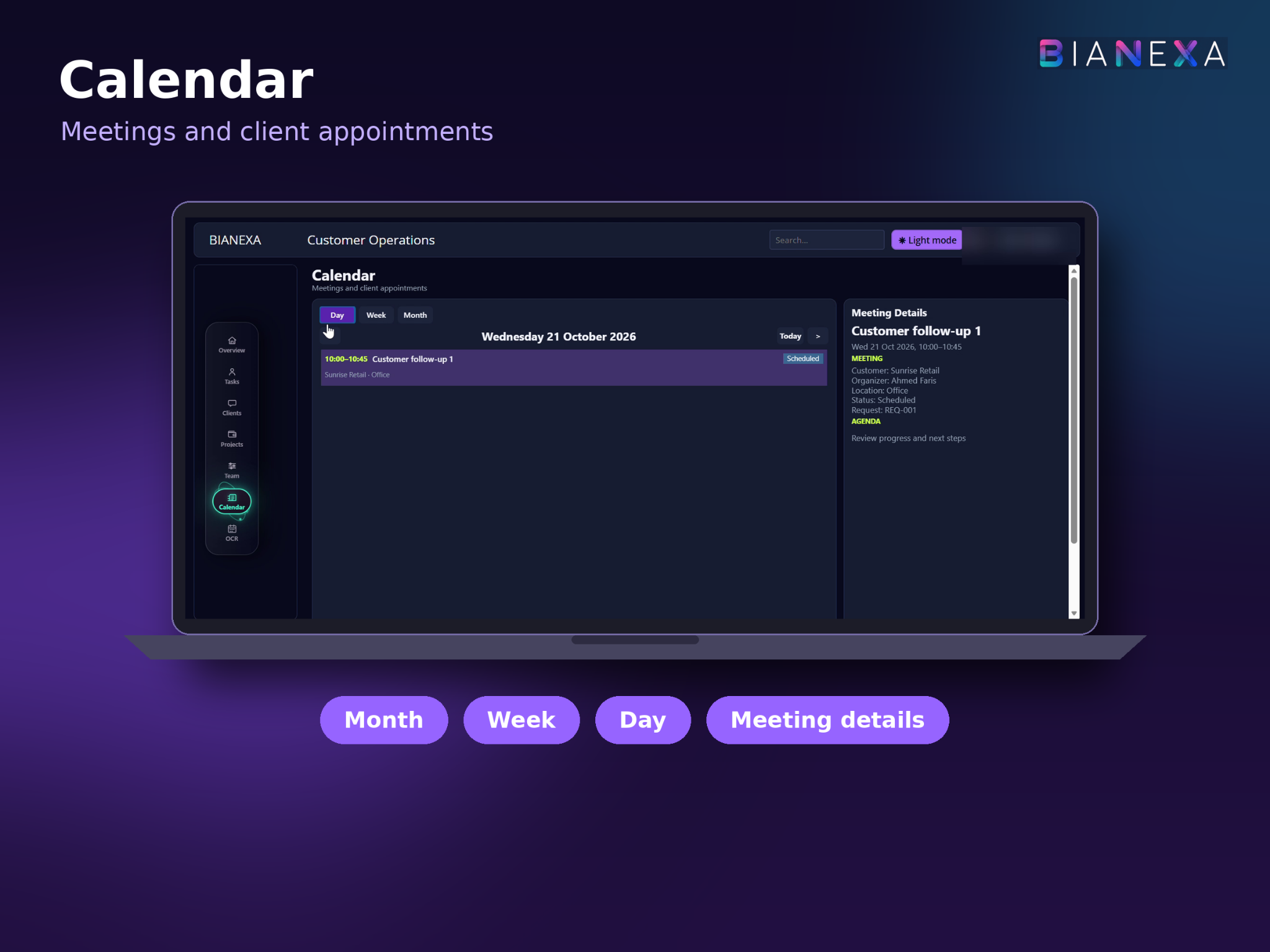
SEVEN CONNECTED SCREENS
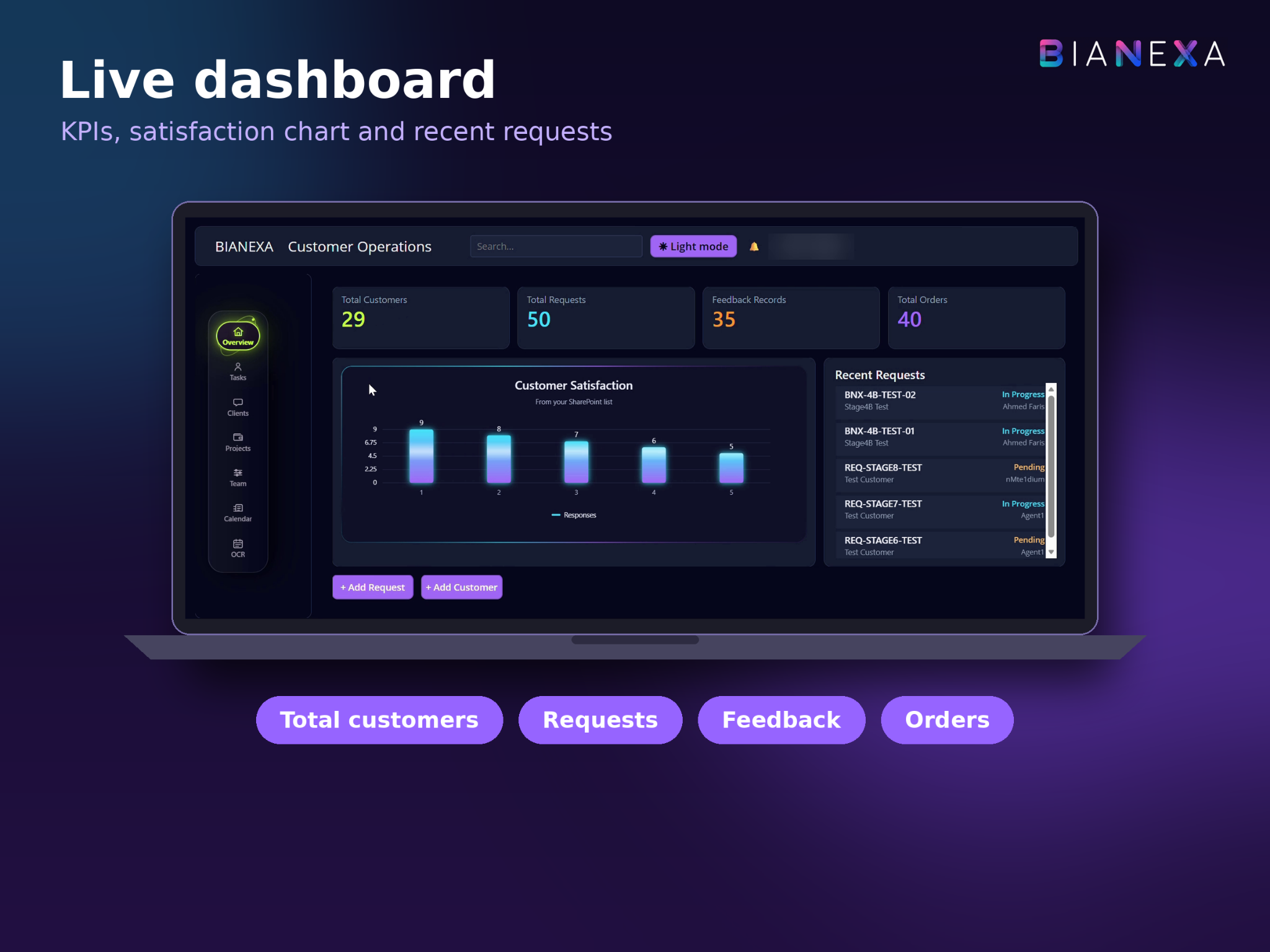
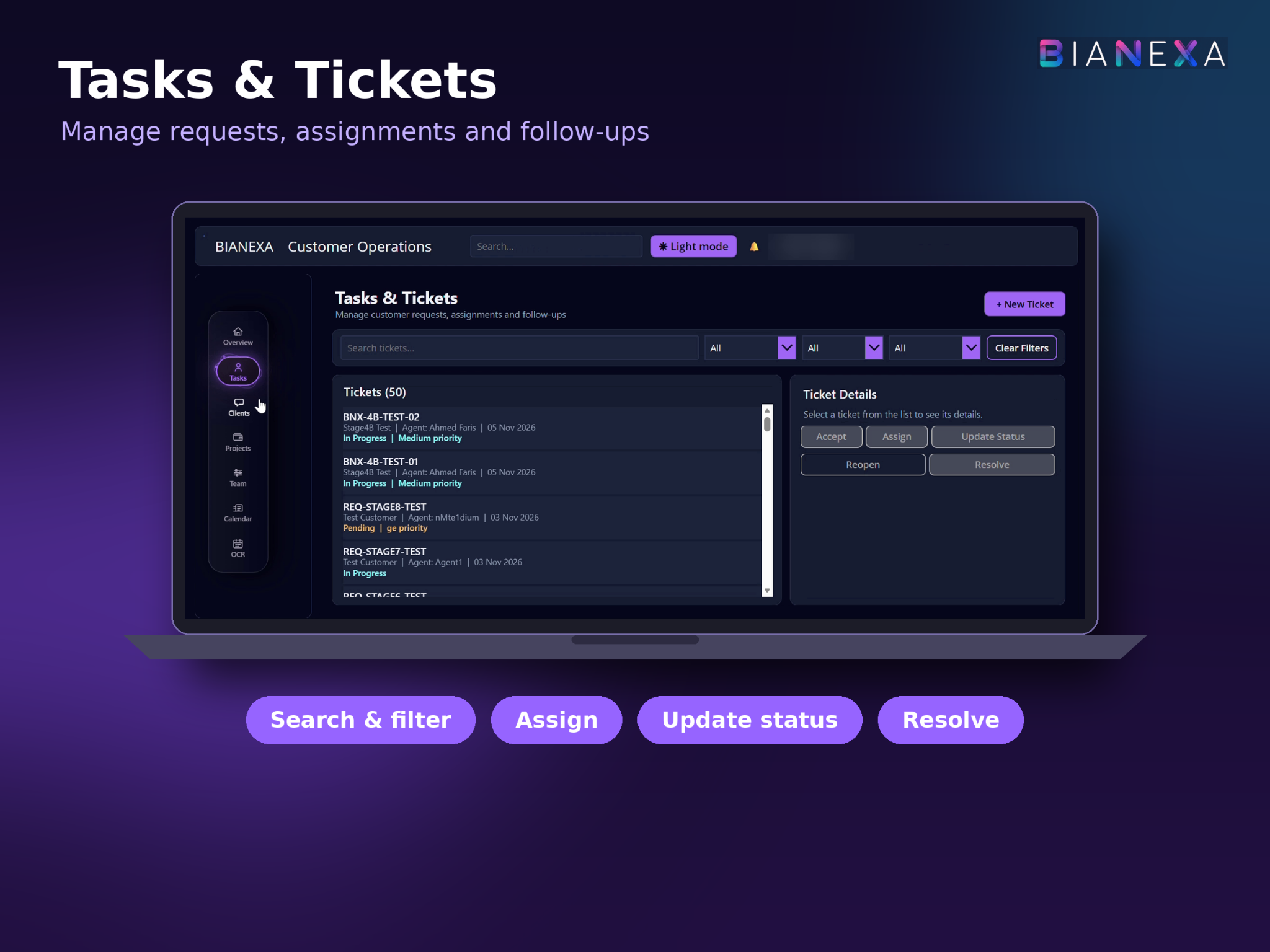
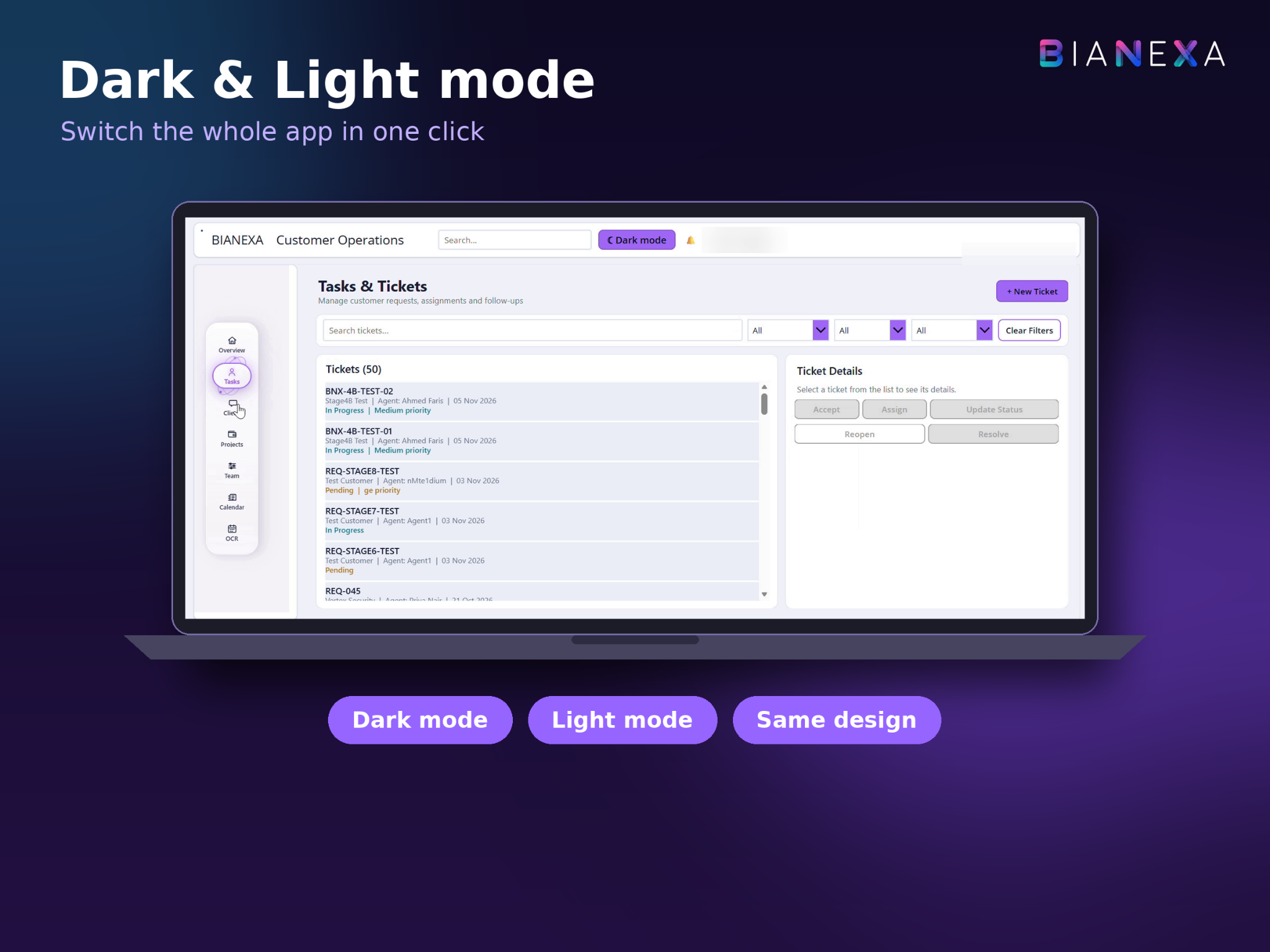
Overview with KPIs and animated charts, Tasks, Clients, Projects, Team, Calendar with Day, Week and Month views, plus an OCR business-card scanner.
Customer profiles, requests, satisfaction, assignments, statuses and follow-ups.
Progress, timelines, workload and operational visibility across the team.
Plan meetings and client appointments, then capture business-card details with AI Builder OCR.
Use the same app across desktop, tablet and phone in dark or light mode.
TWO CUSTOM CONTROL PACKS
The animated side menu keeps the app focused and easy to navigate. Six animated chart styles—bar, horizontal bar, line, area, donut and lollipop—bring the data to life in dark and light mode.
REQUIREMENTS
You need a Microsoft 365 licence with access to Power Apps and SharePoint.
The business-card scanner requires access to OCR AI Builder in your licence.
BIANEXA-Customer-Operations-Hub-v1.0.0.5.zip will be delivered after payment.
CLEAR PURCHASE TERMS
The site charges $25 automatically with no code. Challenge Me vouchers do not stack with this launch sale.
Non-refundable once the files are delivered, except where the law requires it or the files are defective.
One licence covers use by one business. Resale and redistribution are not permitted.